Chat With Your API Three Different Ways
SwaggBot transforms your Swagger/OpenAPI docs into conversational interfaces. Use our Web UI for teams, connect via MCP to Claude/Cursor, or integrate directly through our API.
curl -X GET https://api.example.com/v1/users \
-H "Authorization: Bearer eyJhbG..." \
-H "Content-Type: application/json"{
"users": [
{"id": 1, "name": "John Doe"},
{"id": 2, "name": "Jane Smith"}
],
"total": 42
}A product by TechBloom
API Documentation Is Static. Your Backend Isn't.
Documentation Drift
Your Swagger docs are outdated the moment you deploy. Developers waste hours figuring out what's actually changed.
Manual Testing Overhead
Every API test means crafting curl commands, managing headers, and parsing responses. It's tedious and error-prone.
Onboarding Bottlenecks
New team members take weeks to understand your API surface. Every question interrupts senior developers.
Choose Your Path
Whether you prefer a web interface, AI assistant integration, or direct API access—SwaggBot adapts to your workflow.
Web UI
Access SwaggBot through any web browser. Perfect for QA teams, product managers, and anyone who wants to chat with APIs without writing code.
- Session management dashboard
- Real-time chat interface
- No installation needed
- Share with your whole team
MCP Client
Connect SwaggBot to Claude Desktop, Cursor IDE, or Windsurf. Your AI assistant gains the ability to understand and interact with your APIs.
- Works with Claude & Cursor
- Agentic API interactions
- Context-aware conversations
- No context switching
Direct API
Integrate SwaggBot's natural language engine directly into your applications. Build custom tools, automations, or dashboards.
- RESTful endpoints
- Session management API
- Workflow automation
- Build your own UI
Not sure which path is right for you?
Read about the architectureThree Layers. Unlimited Possibilities.
Use SwaggBot your way—through our Web UI, MCP clients, or direct API integration.
Web UI for Teams
Layer 1Beautiful browser interface perfect for QA teams, product managers, and non-technical users. No coding required.
MCP Integration
Layer 2Connect to Claude, Cursor, Windsurf, or any MCP-compatible AI. Let your AI assistant interact with your APIs.
Direct API Access
Layer 3RESTful API for custom integrations. Build your own tools on top of SwaggBot's natural language engine.
Natural Language
Ask 'Get user 123's orders' instead of memorizing endpoints. AI understands your intent and generates the right calls.
Workflow Automation
Chain multiple API calls together. Extract data from one response and use it in the next—automatically.
Instant Curl Generation
Every request shows the exact curl command with headers. Copy, paste, and use anywhere.
100% Open Source
Free forever with MIT License. Self-host on your own infrastructure with full control over your data.
Privacy First
Your data never leaves your servers. Self-hosted by default. No chat history stored unless you want it.
Multiple LLM Support
Works with Moonshot (Kimi), OpenAI (GPT), Anthropic (Claude), or local models via Ollama.
Web UI for Teams
Layer 1Beautiful browser interface perfect for QA teams, product managers, and non-technical users. No coding required.
MCP Integration
Layer 2Connect to Claude, Cursor, Windsurf, or any MCP-compatible AI. Let your AI assistant interact with your APIs.
Direct API Access
Layer 3RESTful API for custom integrations. Build your own tools on top of SwaggBot's natural language engine.
Natural Language
Ask 'Get user 123's orders' instead of memorizing endpoints. AI understands your intent and generates the right calls.
Workflow Automation
Chain multiple API calls together. Extract data from one response and use it in the next—automatically.
Instant Curl Generation
Every request shows the exact curl command with headers. Copy, paste, and use anywhere.
100% Open Source
Free forever with MIT License. Self-host on your own infrastructure with full control over your data.
Privacy First
Your data never leaves your servers. Self-hosted by default. No chat history stored unless you want it.
Multiple LLM Support
Works with Moonshot (Kimi), OpenAI (GPT), Anthropic (Claude), or local models via Ollama.
Built for Modern Development Teams
API Testing
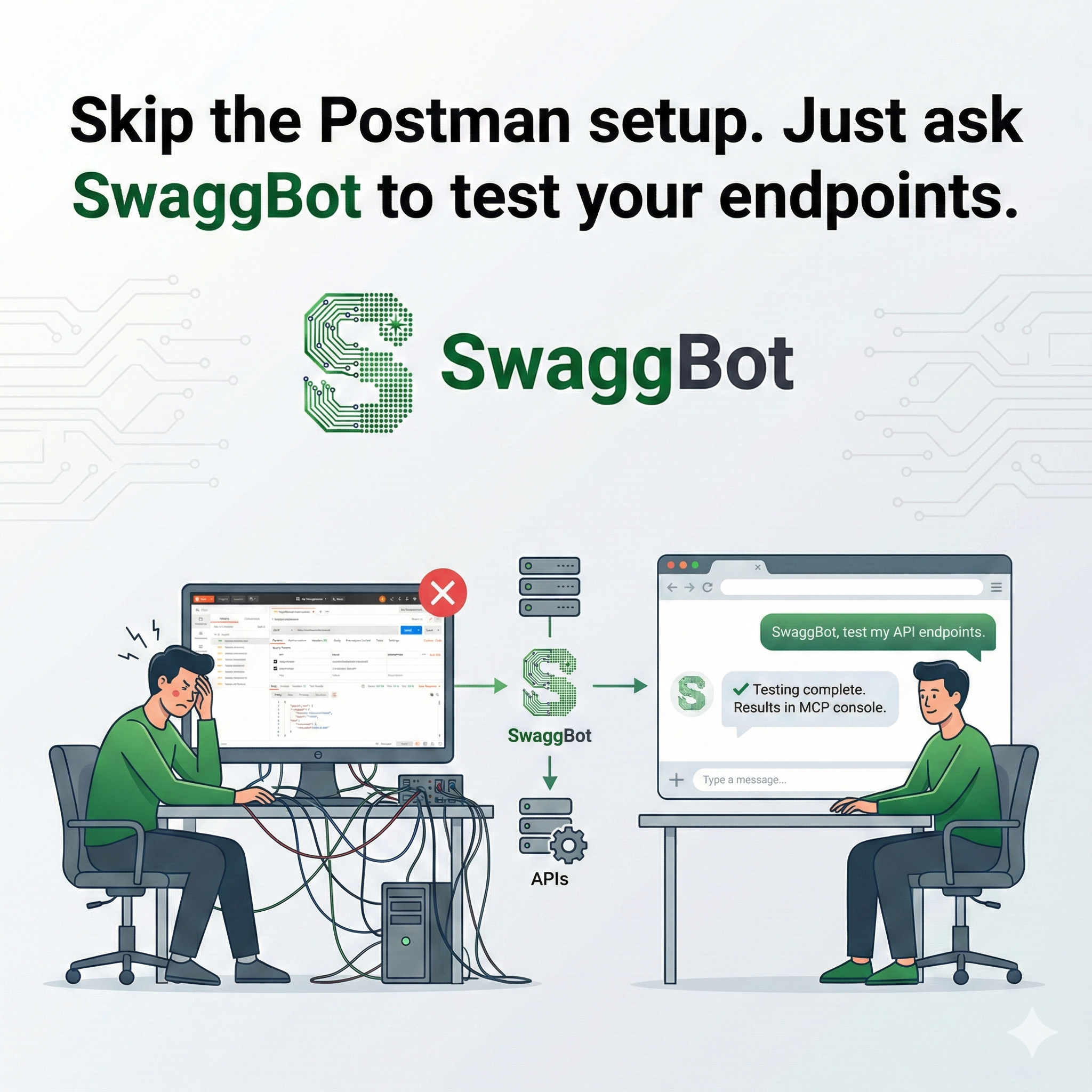
Skip the Postman setup. Just ask SwaggBot to test your endpoints.
- Instant request generation
- Automatic header management
- Response validation against schemas
Loved by Developer Teams
“SwaggBot cut our API onboarding time from 2 weeks to 2 days.”
“I used to spend hours writing curl commands. Now I just ask.”
“Our QA team loves it. They can test endpoints without bothering developers.”
Frequently Asked Questions
Yes! SwaggBot is 100% free and open source under the MIT License. You can self-host it on your own infrastructure without any cost.
MCP is an open protocol that standardizes how applications provide context to LLMs. SwaggBot implements MCP to turn your APIs into context sources that any MCP-compatible AI client can use.
SwaggBot works with any MCP-compatible client including Claude Desktop, Cursor, Windsurf, Cline, and any other application that supports the Model Context Protocol.
SwaggBot supports OpenAPI 2.0 (Swagger), 3.0, and 3.1 specifications.
Absolutely. Since you self-host SwaggBot, all your API specifications and tokens stay on your own infrastructure. We have no access to your data whatsoever.
Yes! SwaggBot works with any API you have access to. Your authentication tokens stay in your self-hosted instance.
Traditional API clients require you to know endpoints and parameters. SwaggBot transforms your API into an MCP server, enabling natural language interaction through any AI assistant.
We welcome contributions! Check out our GitHub repository to submit pull requests, report issues, or suggest features. Every contribution helps make SwaggBot better for everyone.